

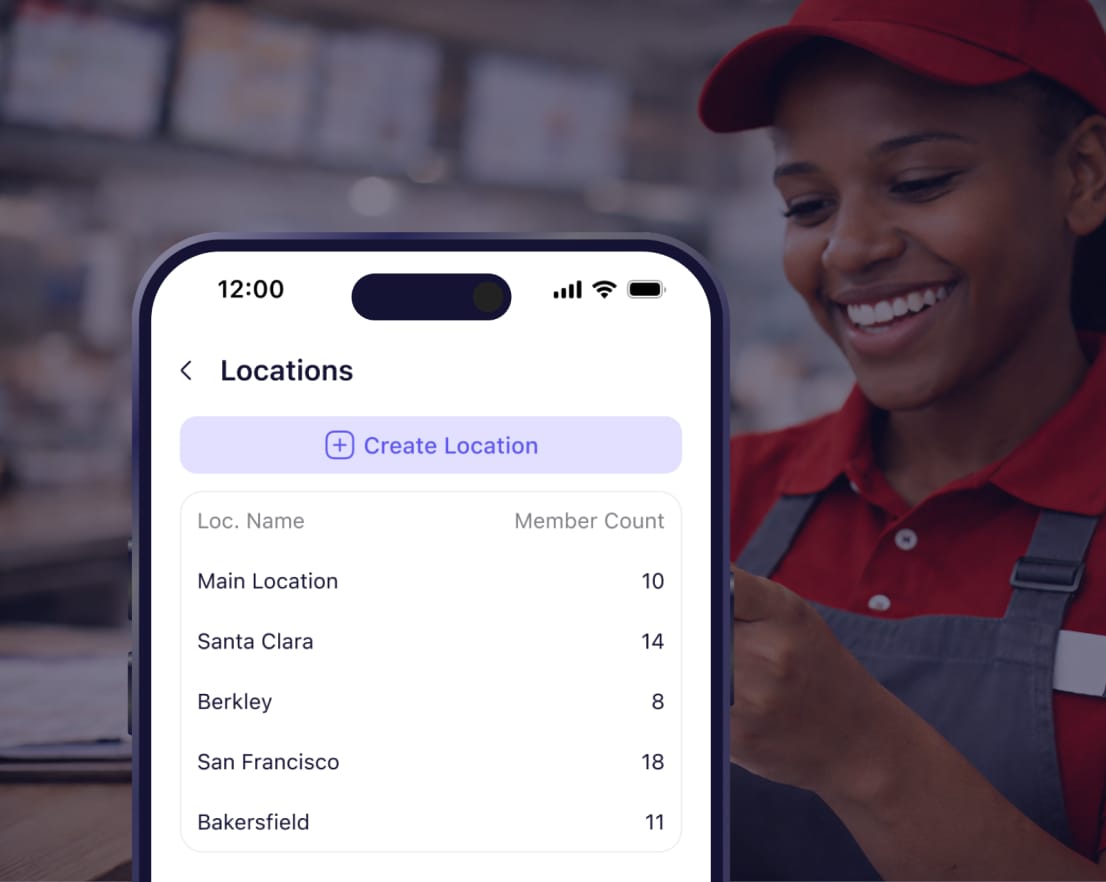
Run 5 locations or 500 from one dashboard
Give managers control of their location. Give district managers access to multiple stores. Keep everything separate but visible to leadership. Breakroom Enterprise shows exactly what's happening across all locations without logging into 50 accounts.




















Control who sees what across all your locations


Each location has separate chats and schedules. Employees only see their location. Managers see what they oversee. You see everything.
Give area managers access to 3-4 stores. District managers see 10-15 locations. Corporate sees all locations from one dashboard.
Set manager permissions in one click. Managers can approve time off, publish schedules, delete messages. Team members can't.
Send announcements to all locations or select specific stores. Message 5 locations or 500 locations at once.
How it works
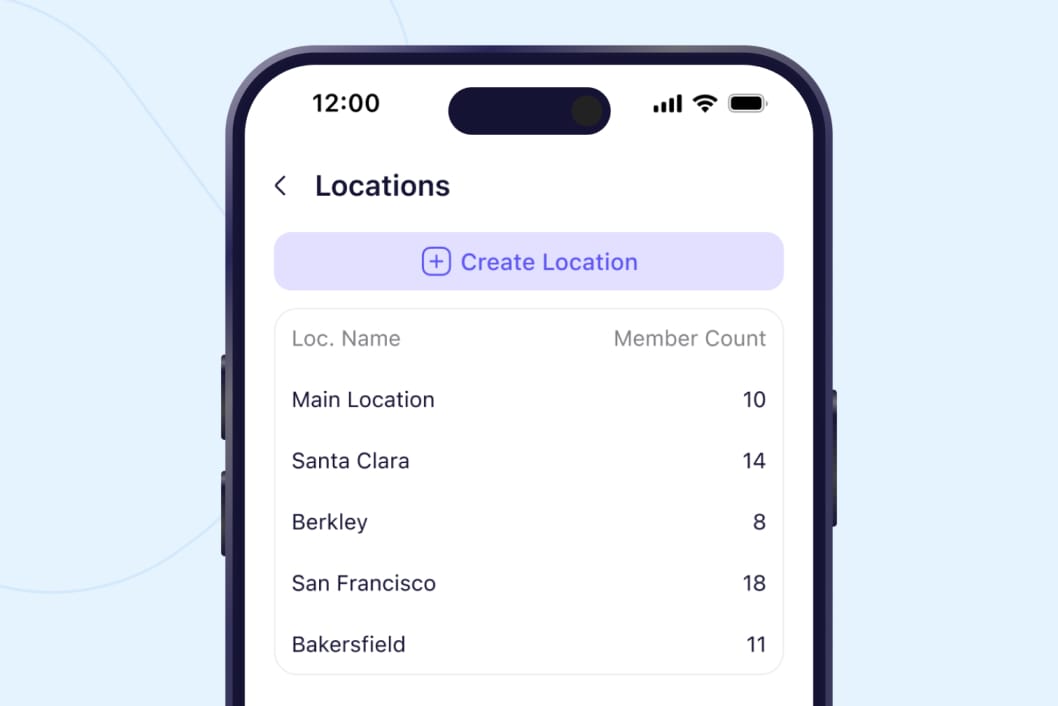
Control exactly what each person sees
Employees see only their location. Store managers see their store. Area managers toggle between their 3-4 locations. District managers see their region. You see everything. Everyone has exactly the access they need, nothing more.
Start your free trial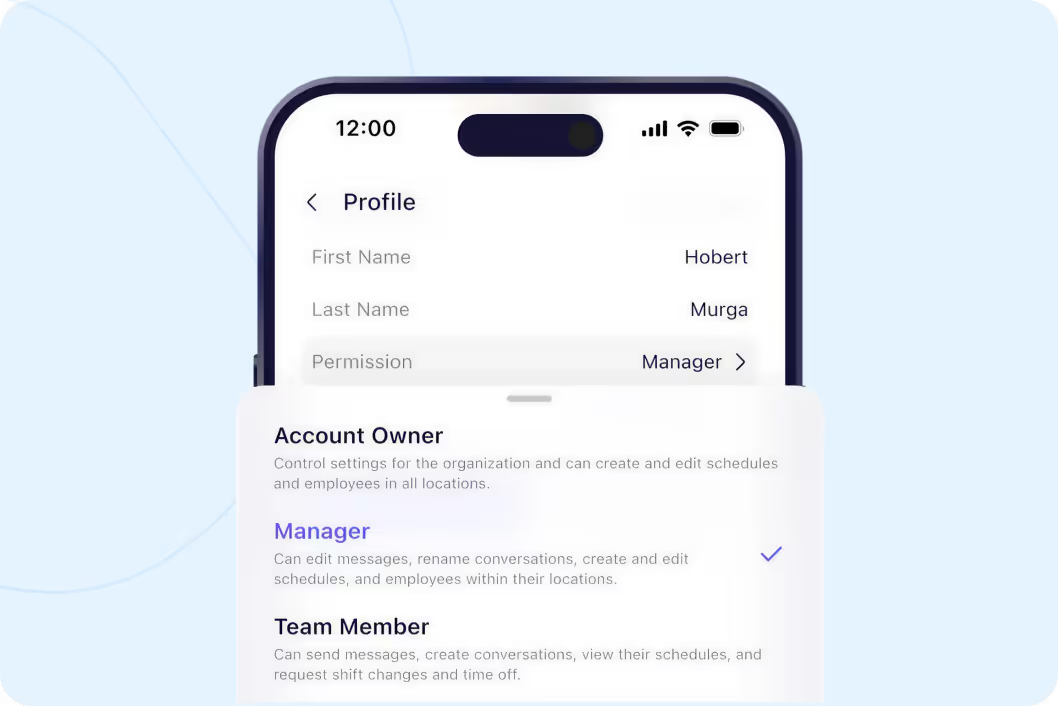
One click gives managers full control
Three permission levels: Team Member (default), Manager (approves time off, publishes schedules, sends announcements), Account Owner (billing and account settings). Toggle anyone to Manager in one click. They immediately get the tools they need.
Start your free trial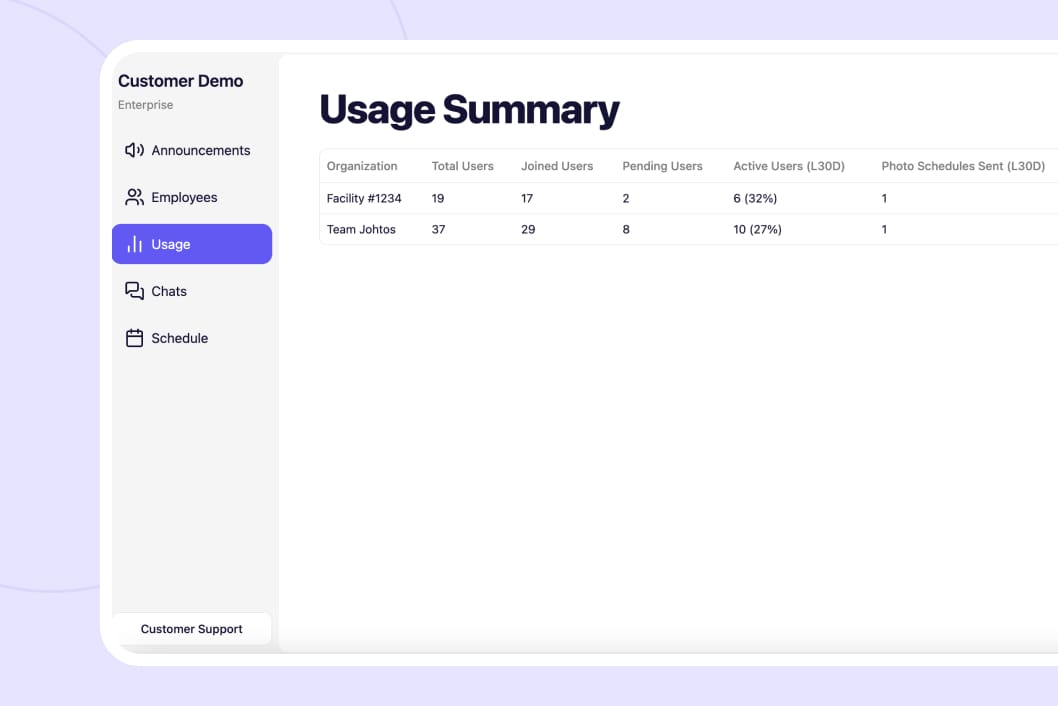
See what's happening across all locations
Track which stores posted schedules on time. See how many employees each location has. Send announcements to all stores or select specific ones. Monitor everything from one screen instead of logging into separate accounts.
Start your free trial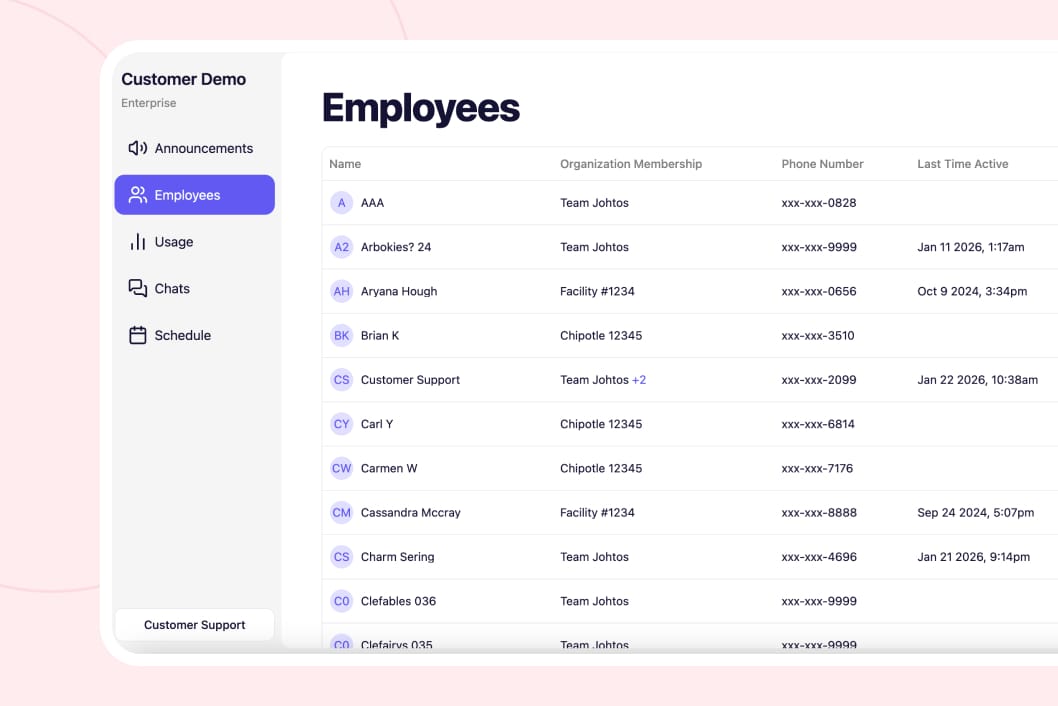
Move managers between locations instantly
Promoting a GM to district manager? Check the stores they should access. Moving someone to a different location? Uncheck old location, check new one. Takes 10 seconds. No need to delete and re-add people.
Start your free trial




"One of our Rhode Island general managers found Breakroom, and they've been using it for our Rhode Island locations, and they love it. So our vice president just asked me to look into it to possibly convert the whole company."
Vicki Zufanti
Wendy's & Tropical Smoothie
"One of my managers was doing some research and they came across Breakroom and some of them have started using it, where they took it upon themselves to buy it and start using it and they're like, oh, we really like it. It's very similar to Crew."
Dennis Blanco
"I think Breakroom will work well for us. We've looked at a lot of different systems. I need it to be pretty simple, and I can't have them walk through 10 different steps. I need to be, like, quick, and they'll do it."
Benjie Kushins

Built for multi-location operators
Each store has separate chats, schedules, team lists. Employees can't see other locations.
Area managers see multiple stores. District managers see their region. Corporate sees all.
Toggle someone to Manager permission. They can immediately approve time off and publish schedules.
Track schedule uploads, employee counts, and activity across all locations from one screen.
Send announcements to all locations or select specific stores. Message 5 or 500 at once.
Move managers between stores in seconds. Check and uncheck locations. No deleting accounts.
Run your entire operation
Message your team without sharing phone numbers. See who read important updates.
Build and share schedules in minutes. Everyone sees their shifts instantly.
Upload schedules from any system. Works with Tracks, Merit, Erestaurnats, QSR, PAR OPS, HotSchedules, Harri, Excel.
Delete inappropriate messages. Archive everything. Grant manager permissions.
Why operators choose Breakroom Chat
Group Texts / Slack
- ❌ Separate group text for each location
- ❌ Can't message across locations easily
- ❌ No way to see what all stores are doing
- ❌ Have to log into separate accounts per location
- ✅ All locations in one system with proper separation
- ✅ District managers toggle between their stores instantly
- ✅ Enterprise dashboard shows everything at once
- ✅ Single login sees all locations you manage
Got questions?
Each location is separate. Employees only see their location. Store managers see their store. Area/district managers can access multiple locations. You control who has access to what. Takes one click to add someone to a location.
Managers can: publish schedules, approve time off, approve shift coverage, send announcements, delete messages, add/remove people. Team members can: view schedule, request time off, request coverage, message teammates. Toggle anyone to Manager in one click.
Yes with Enterprise features. Send announcements to all locations or select specific stores. Message all 50 locations or just the 5 locations in the northeast region. You control which locations receive each announcement.
Click their name, edit membership, uncheck old location, check new location. Done in 10 seconds. All their permissions transfer. You don't have to delete and re-add them or lose any history.


No credit card required