

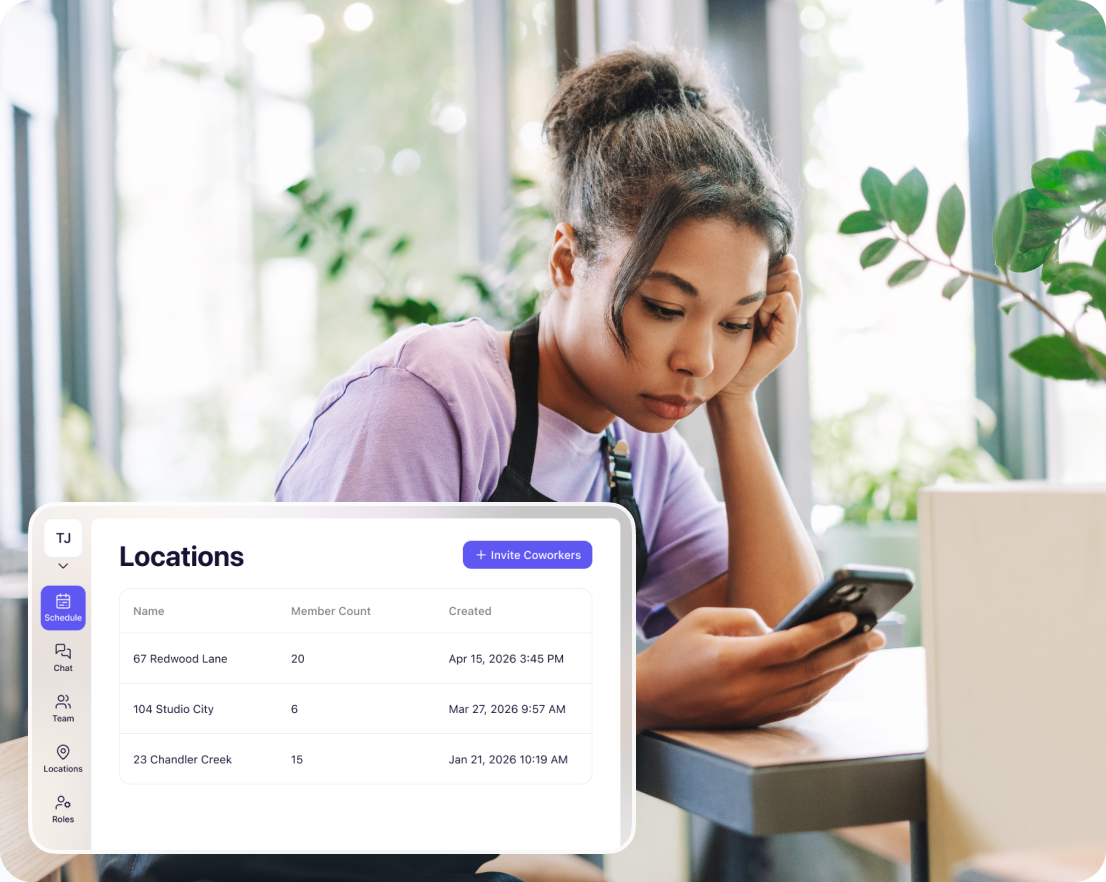
Each location stays separate. You see everything.
Every store has its own chats, schedules, and team. Employees only see their location. Store managers only see their store. You toggle between all locations from one dropdown. No more logging into 10 different accounts.




















One place for all your team documents


Separate Breakroom Chat for each location. Each store has own schedules, chats, team list. No cross-contamination between locations.
Toggle between stores in one click. Dropdown at top left switches you between all locations instantly. No logging out and back in.
Employees only access their location. Team members see only their store. Managers see only what they oversee. Keeps everything clean.
Send announcements to all stores at once. Breakroom Enterprise messages all locations or select specific ones. No copy-pasting into each store.
How it works
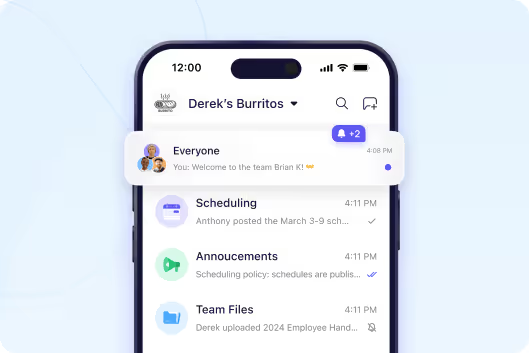
Each store is completely separate
Every location has its own schedules, chats, announcements, team list, and files. Employees at Store A can't see Store B's chats or schedules. Keeps everything organized and prevents confusion. Store managers only see their store.
Start your free trial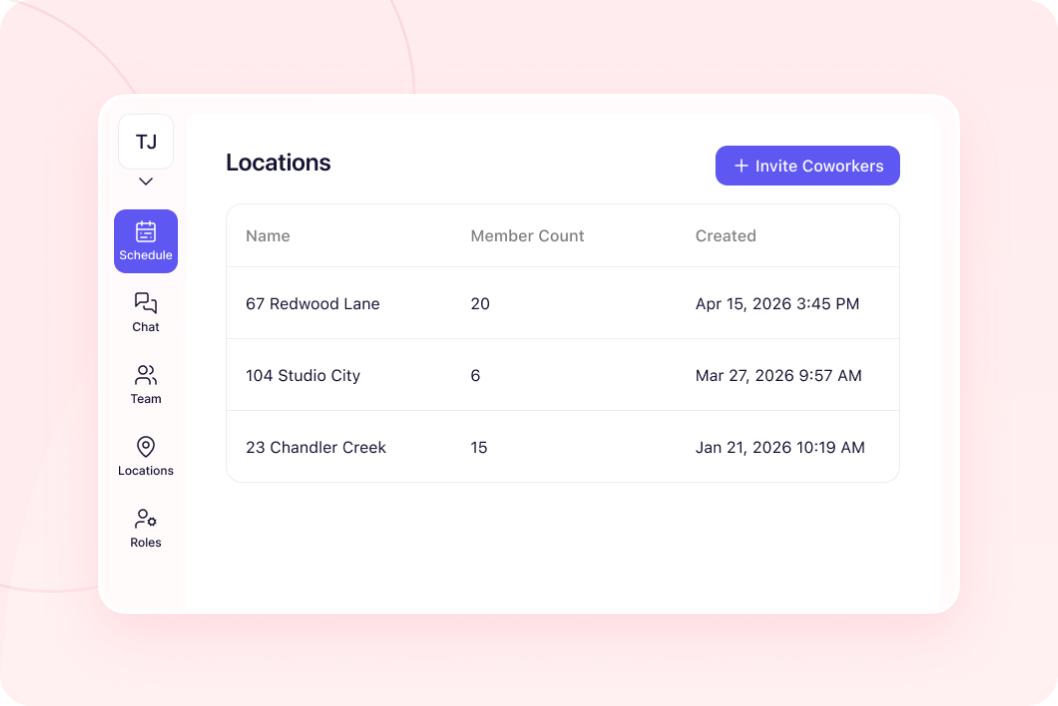
Switch between locations with one click
Click dropdown in top left corner. Select any store. You're there instantly. Check Store 5's schedule. Switch to Store 12's chat. Back to Store 3. Takes one second. No separate logins per location.
Start your free trial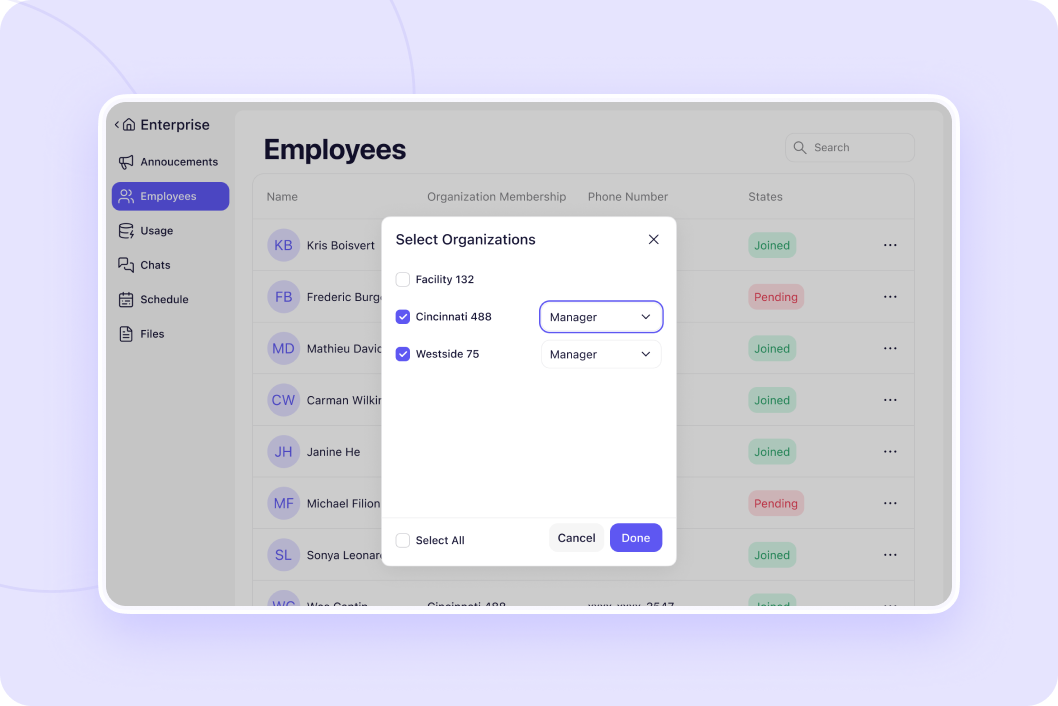
Give people access to exactly what they manage
Employees access one location. Store managers see their store. Area managers toggle between their 3-4 stores. District managers see their region. You see everything. Everyone has exactly the access they need.
Start your free trial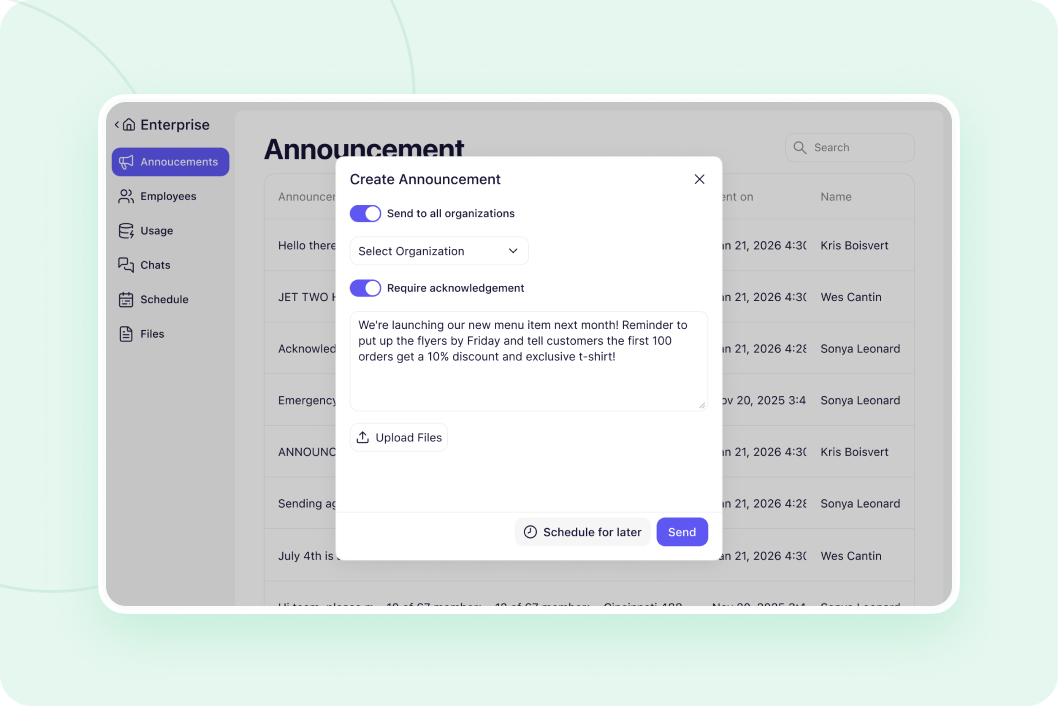
Message all locations or select specific stores
Breakroom Enterprise sends announcements to all locations at once. Or select just northeast region. Or just underperforming stores. Or just the 5 stores launching new menu. You control which locations receive each message.
Start your free trial




"One of our Rhode Island general managers found Breakroom, and they've been using it for our Rhode Island locations, and they love it. So our vice president just asked me to look into it to possibly convert the whole company."
Vicki Zufanti
Wendy's & Tropical Smoothie
"One of my managers was doing some research and they came across Breakroom and some of them have started using it, where they took it upon themselves to buy it and start using it and they're like, oh, we really like it. It's very similar to Crew."
Dennis Blanco
"I think Breakroom will work well for us. We've looked at a lot of different systems. I need it to be pretty simple, and I can't have them walk through 10 different steps. I need to be, like, quick, and they'll do it."
Benjie Kushins

Everything separated by location
Each location has completely separate schedule. No confusion about which store a shift belongs to.
Each store has separate Everyone chat, announcements, group messages. Messages don't mix.
Each location shows only employees who work there. Clean roster per store.
Upload training videos per location or company-wide. Your choice on what's shared.
Toggle between any location in one click. See all stores without separate logins.
Enterprise dashboard sends to all locations or selected stores. Message 2 or 200 at once.
Run your entire operation
Give managers control of their location. Enterprise dashboard shows all locations.
Message your team without sharing phone numbers. See who read important updates.
Build and share schedules in minutes. Everyone sees their shifts instantly.
Send important updates that don't get buried in group chat noise.
Why operators choose Breakroom Chat
Separate Apps Per Location
- ❌ Log into Store 1 account, send message
- ❌ Log out, log into Store 2, send same message
- ❌ Repeat for all 10 stores
- ❌ Can't see what's happening across locations
- ✅ All locations in one system with dropdown toggle
- ✅ Send announcement to all stores in one click
- ✅ See everything from one screen
- ✅ Each location stays completely separate for employees
Got questions?
Each location is completely separate. Store A has its own chats, schedules, team list, announcements. Store B has completely separate chats, schedules, team list. Employees at Store A cannot see Store B's anything. Only managers with multi-location access can toggle between stores.
Yes with Enterprise features (included free for multi-location customers). Send announcements to all locations or select specific stores. Message all 50 locations or just the 5 in California. You choose which locations receive each announcement.
Click dropdown in top left corner of screen. Lists all locations you have access to. Click any location. You're there instantly. Check schedules, read chats, send announcements. Switch to different location anytime.
Add them to multiple locations. They'll see both locations in their dropdown and can toggle between them. Perfect for floater employees or managers who cover multiple stores. They see schedules and chats for all locations they work at.


No credit card required