

In the "Employees" page of your "Breakroom Enterprise" portal, you can remove an employee from all locations or organizations in the enterprise. Click on the three dots next to the person's name and unselect that employee from all locations or organizations. That employee will be removed from your enterprise after you click Save.
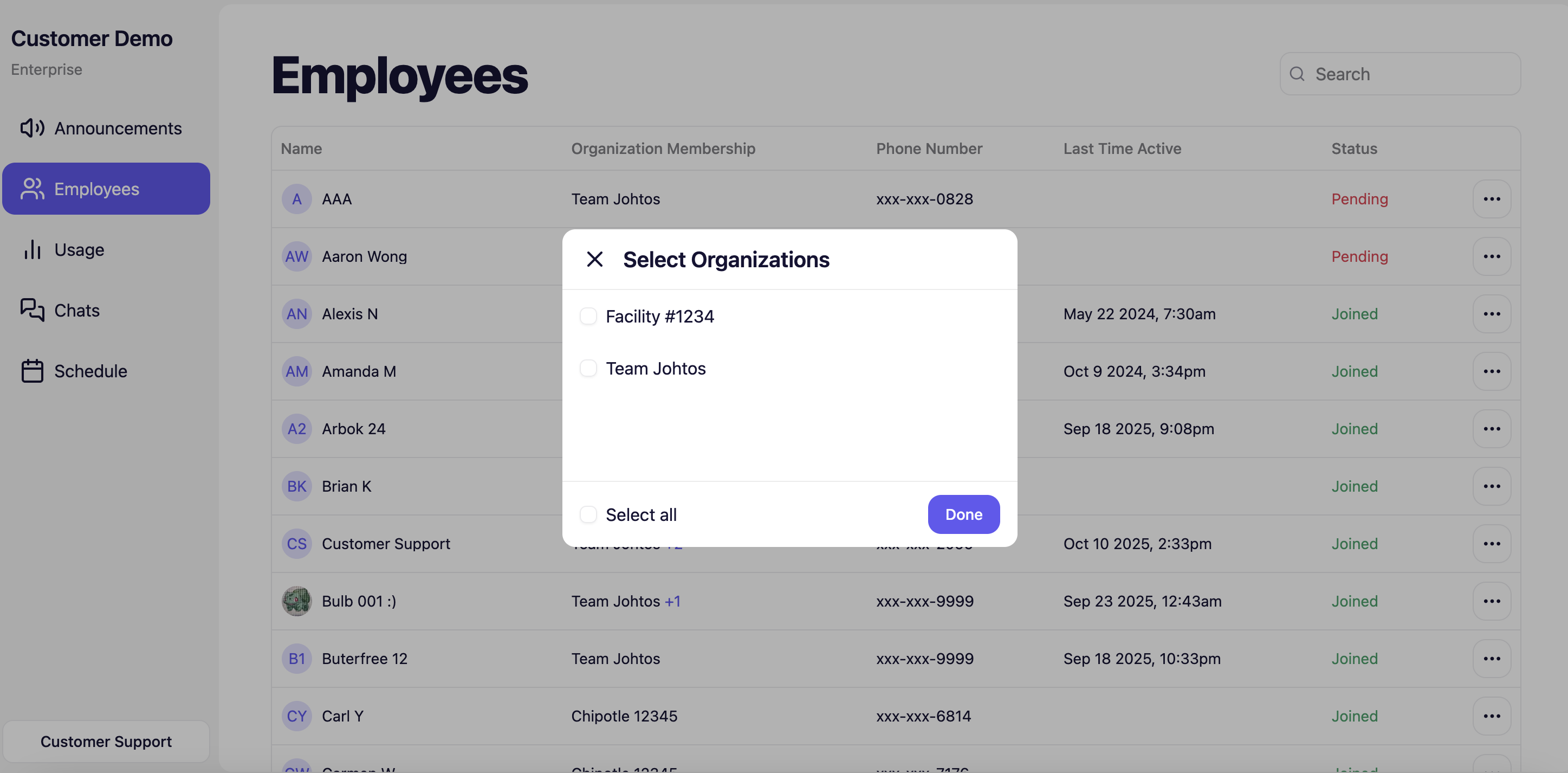
With "Breakroom Enterprise", you can easily move employees around from one location to another. Find the employee on the "Employees" page > click on the three dots on the right > select "Edit Membership" and select / unselect that employee from the organizations they should be long to. You can also update their permission
Breakroom Chat as a Crew App Alternative
Breakroom Chat as a Slack Alternative
Breakroom Chat as a When I Work Alternative
Breakroom Chat as a Homebase Alternative
Breakroom Chat as a Microsoft Teams Alternative