

Use Schedule Templates in Breakroom Chat to save a template of your schedule so you do not have to create a schedule from scratch every week. Simply set up your schedule in the "Schedule" page of your breakroomapp.com account. From there, click on "More" > "Schedule Template" and "Create Schedule Template". After you've saved the Schedule Template, select that Schedule Template every time you want to populate your schedule. Click on "Remove Week Shifts" if you want to start a schedule from scratch.

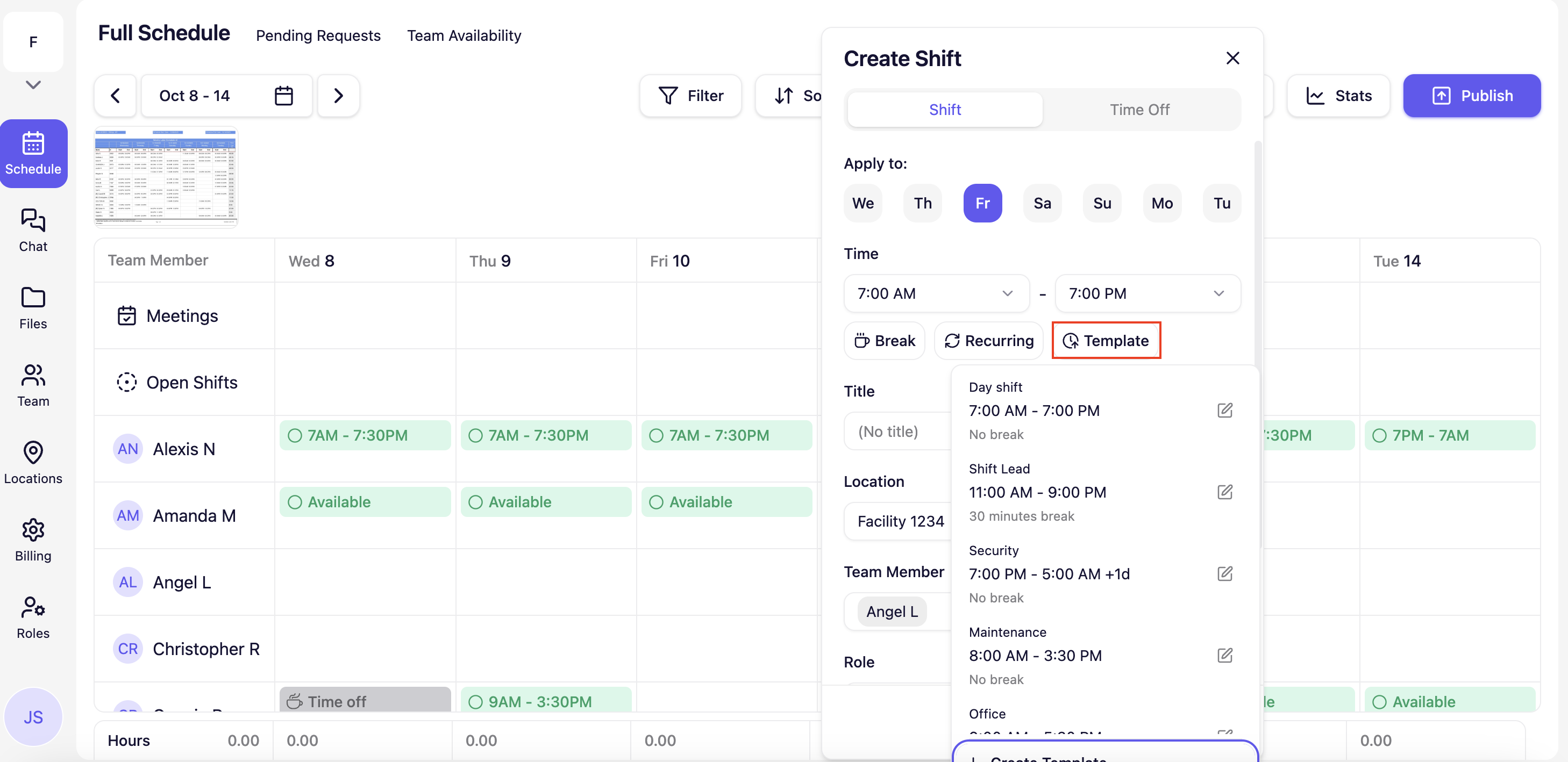
Separate from Schedule Templates, a Shift Template allows you to save the time so you do not have to continuously fill out a shift's time.
Breakroom Chat as a Crew App Alternative
Breakroom Chat as a Slack Alternative
Breakroom Chat as a When I Work Alternative
Breakroom Chat as a Homebase Alternative
Breakroom Chat as a Microsoft Teams Alternative