


Already use scheduling software? Keep using it.
Upload your schedule from any system as a photo or PDF. We scan it automatically and notify your team. Works with Tracks, Merit, Erestaurants QSR, PAR OPS, HotSchedules, Harri, Excel, or any scheduling tool. Don't rebuild what already works.




















Use Breakroom without changing how you schedule


Upload a photo or PDF of your existing schedule. Works from any scheduling software, Excel spreadsheet, or even paper schedules.
We automatically scan and import the shifts. Team gets notified instantly. No manual data entry or rebuilding schedules.
Keep using Tracks, Merit, Erestaurants, QSR, PAR OPS, HotSchedules, Harri, Excel. Build your schedule there, upload to Breakroom, done in 30 seconds.
Team sees schedule on their phones. Everyone has instant access even if they're not at work or don't have desktop access.
How it works
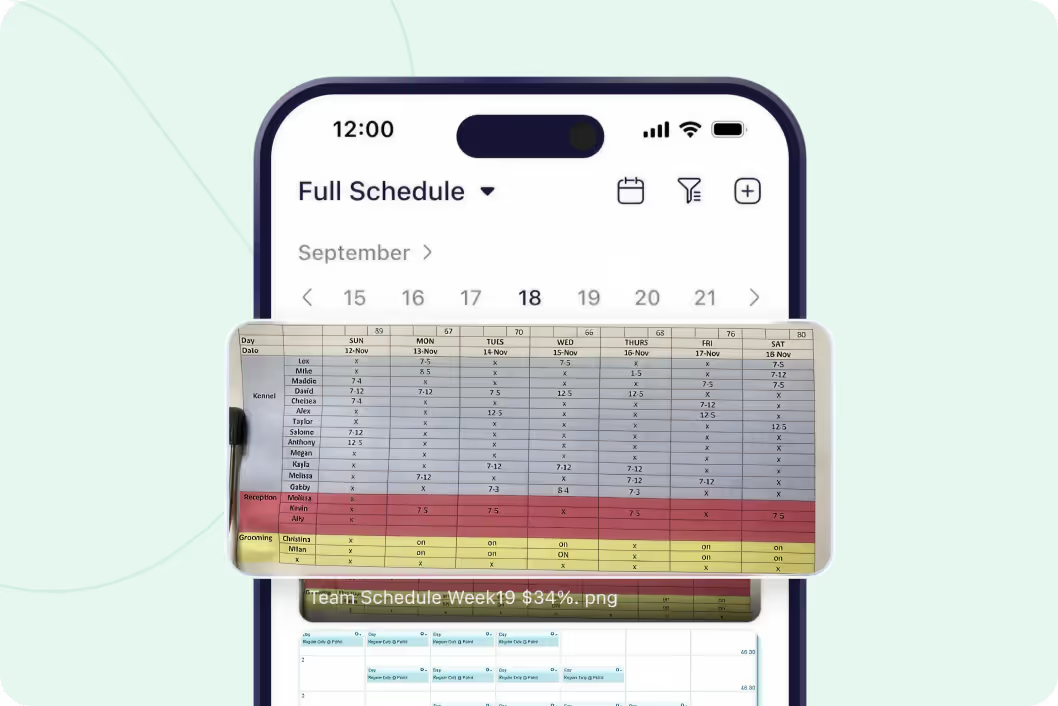
Photo, PDF, screenshot - we handle it all
Take a screenshot of your Tracks schedule. Export a PDF from Merit. Take a photo of your Excel printout. Upload to Breakroom. Team gets notified and can view it instantly on their phones. Works with any scheduling system or format.
Start your free trial
We read your schedule and import the shifts
Click "Import Shifts" after uploading. We scan the schedule, read employee names and shift times, and populate Breakroom automatically. Now employees can request coverage, swap shifts, and get reminders without you manually entering anything.
Start your free trial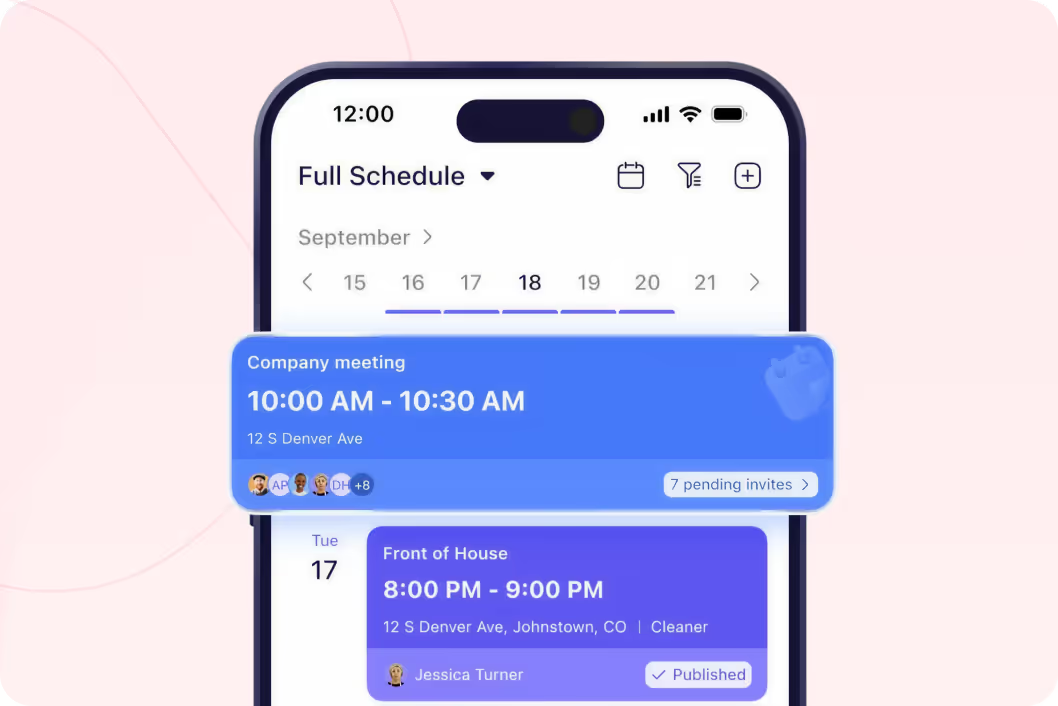
Team gets notified the moment you upload
Upload your schedule, everyone gets a notification. No more posting on the wall or hoping people check. They see it on their phones immediately. Even if you update mid-week, they're notified of changes automatically.
Start your free trial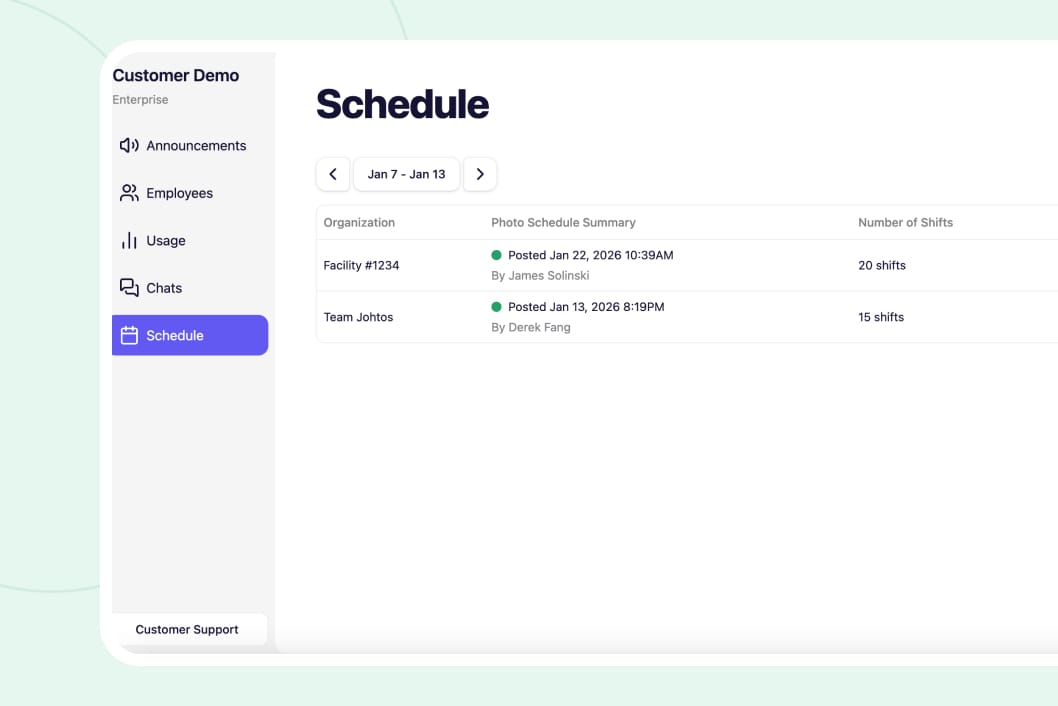
See which managers posted schedules on time
Breakroom Enterprise shows when each location uploaded their schedule. Track compliance with your "post by Tuesday" policy. See exactly who's late and follow up. Helps you manage 5 locations or 500.
Start your free trial




"One of our Rhode Island general managers found Breakroom, and they've been using it for our Rhode Island locations, and they love it. So our vice president just asked me to look into it to possibly convert the whole company."
Vicki Zufanti
Wendy's & Tropical Smoothie
"One of my managers was doing some research and they came across Breakroom and some of them have started using it, where they took it upon themselves to buy it and start using it and they're like, oh, we really like it. It's very similar to Crew."
Dennis Blanco
"I think Breakroom will work well for us. We've looked at a lot of different systems. I need it to be pretty simple, and I can't have them walk through 10 different steps. I need to be, like, quick, and they'll do it."
Benjie Kushins

Stop scrambling for last-minute coverage
Take a picture of your printed schedule or whiteboard. Upload from your phone.
Export fromTracks, Merit, HotSchedules, Harri. Upload the PDF to Breakroom.
Screenshot your spreadsheet or export as PDF. Works with any Excel format.
We read the schedule and import shifts automatically. No retyping.
Everyone gets notified instantly when schedule is uploaded or changed.
Team views schedule on phones even without desktop or store access.
Run your entire operation
Message your team without sharing phone numbers. See who read important updates.
Employees request coverage, team volunteers, you approve in one click.
Employees request time off from their phones. You approve in one click.
Keep phone numbers private. Delete inappropriate messages. Export for HR.
Got questions?
Any system. Tracks, Merit, Erestaurnats, QSR, PAR OPS, HotSchedules, Harri, When I Work, Excel, Google Sheets, handwritten schedules. If you can take a screenshot or export a PDF, it works. We scan PDFs for best results but photos work too.
No. Keep building schedules in whatever system you use now. Just upload the final schedule to Breakroom so your team can see it on their phones. Takes 30 seconds per week.
Upload a PDF or clear photo. Click "Import Shifts." We scan for employee names, shift times, and dates. We populate Breakroom with those shifts automatically. If we can't read something, you can manually add it. PDF format works best.
Yes. Upload a new version anytime. Team gets notified of the update automatically. Old version stays in history so you have a record of changes.


No credit card required