

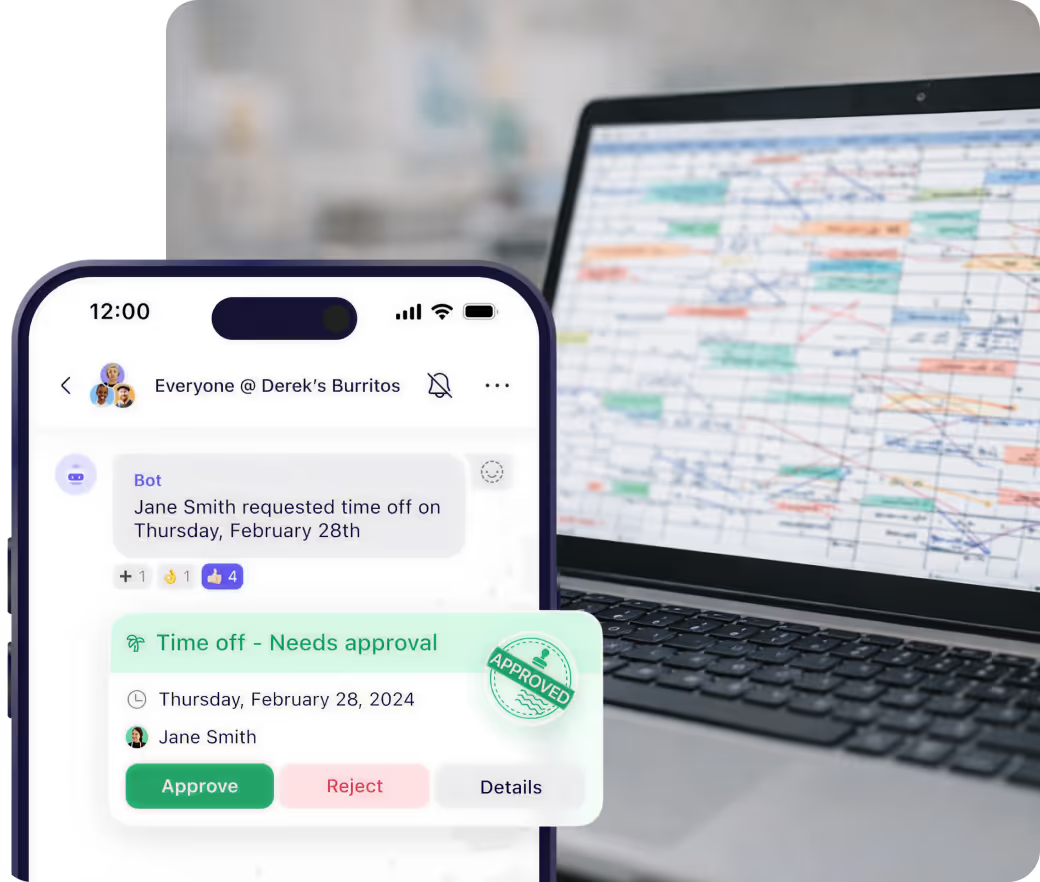
Stop tracking time off on spreadsheets
Employees request time off from their phones. You approve or deny in one click. Everyone sees approved time off on the schedule automatically. No more paper forms or lost requests.




















Time off that actually works


Employees request time off from the app. No more paper forms or text messages asking for days off.
You approve or deny in one click. Set rules like "14 days notice required" to prevent last-minute requests.
Block time-off requests on your busiest days. Limit how many people can be off at once automatically.
Approved time off shows on the schedule. Everyone sees who's out before shifts are assigned.
How it works
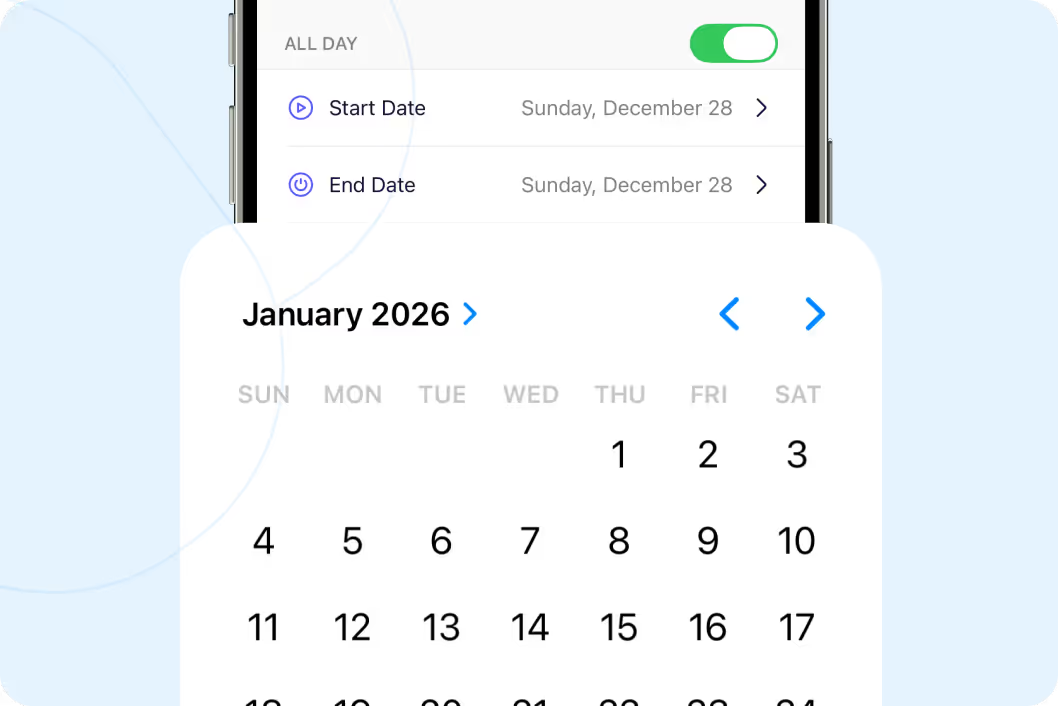
Employees request time off from their phones
No more paper forms or asking in person. Your team opens the app, picks the dates they need off, and submits. You get notified instantly. All requests in one place.
Start your free trial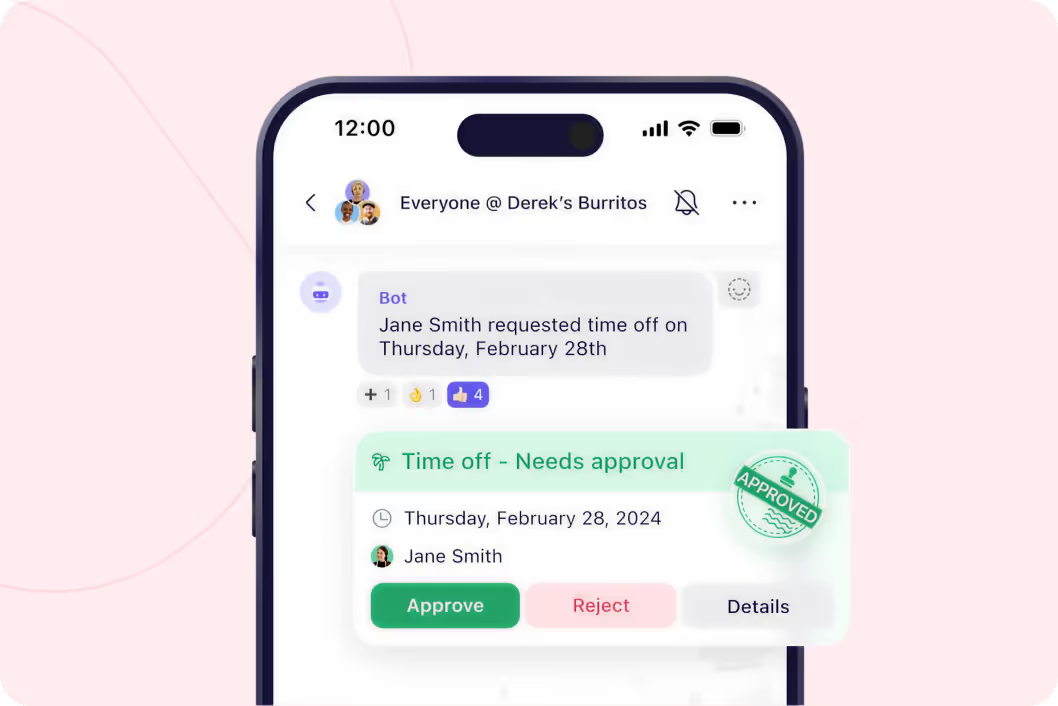
Approve or deny in one click
See all pending requests. Check who else is off that day. Approve or deny. Done. Set rules like "14 days notice required" so last-minute vacation requests get automatically flagged.
Start your free trial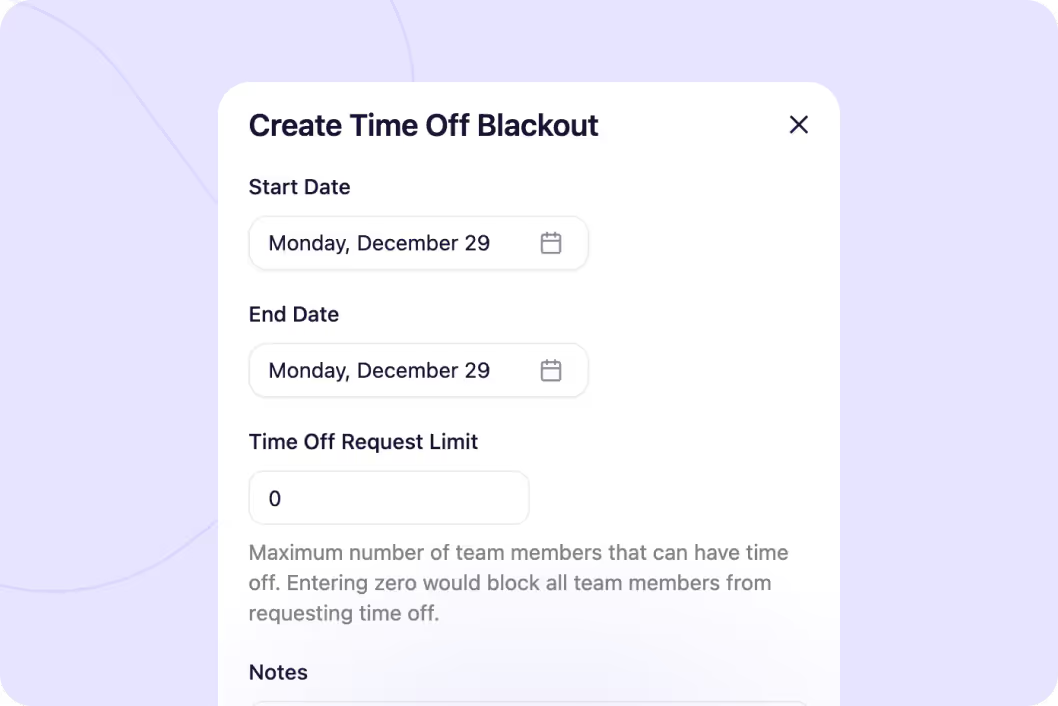
Block requests on your busiest days
Set blackout dates for holidays, events, or peak periods. Limit how many people can be off at once. First come, first served. Once you hit the limit, everyone else gets auto-denied.
Start your free trial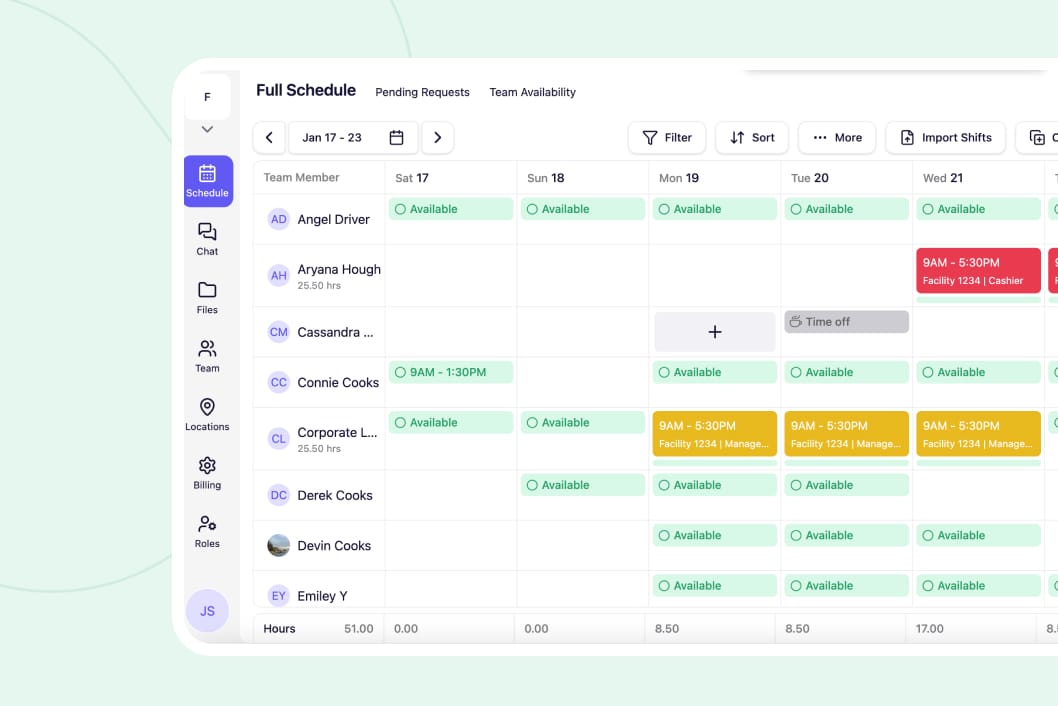
See when everyone can actually work
Employees submit their availability. Can't work Mondays because of school? Saturday mornings only? It shows up when you build the schedule so you don't assign shifts to people who can't work them.
Start your free trial




"We do something kind of similar to that, but it's... they fill out a sheet of paper, turn it into one of our admins, and then she puts it all like on a spreadsheet. But this would be a lot better."
- Pat Burton
"We also have something called time off blackouts where let's say like, hey, for Thanksgiving you're going to blackout that date so that no one can take time off. Or you can say like, hey, maybe the first two people can take time off, but once that's filled up, then nobody else can."
- Koffi Biam
"I prefer to work on Mondays, Tuesdays, Wednesdays in the mornings because I've got afternoon class. So they can kind of put those times in. And then I'll show you how this kind of works with creating the schedule."
- Mark Armstrong

Built for people on their feet
Require 7, 14, or 30 days notice for time off requests. No more last-minute surprises.
Check how many people requested the same day before approving.
Employees can't just decide they don't work weekends anymore. You approve it first.
Employees get notified instantly when their time off is approved or denied.
Approved time off appears on the schedule so you don't accidentally assign shifts.
Set limits for popular days. Once filled, additional requests get auto-denied.
Run your entire operation
Build and share schedules in minutes. Everyone sees their shifts instantly.
Message your team without sharing phone numbers. See who read important updates.
Send important updates that don't get buried in group chat noise.
Celebrate birthdays, work anniversaries, and give kudos to build team morale.
Got questions?
Yes. Set rules like "14 days notice required" and requests submitted too late get flagged or auto-denied.
Block time-off requests on specific dates or limit how many people can be off. Perfect for holidays, events, or peak periods.
Employees submit when they can work. It shows up when you build the schedule so you don't assign shifts they can't cover.
No. Changes require manager approval so someone can't just decide they don't work weekends anymore.

